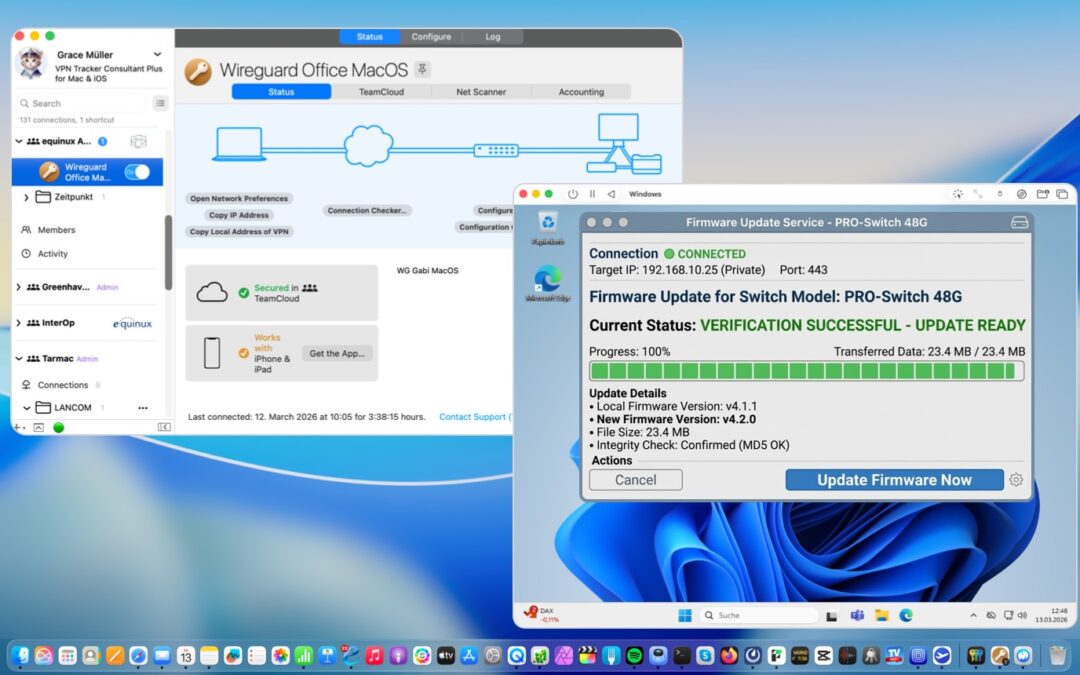
VPN Tracker 26.2 is here! This update brings a collection of thoughtful refinements and a few powerful new features, including a brand new IKEv1 engine for IPsec connections, seamless VM support, and dedicated profiles for several new VPN devices, including a powerful LANCOM connection importer. Keep reading for a detailed overview.
New: Next-Generation IKEv1 Engine
The latest VPN Tracker version introduces a faster, more feature-rich, and more resource-efficient IKEv1 engine. While the legacy engine is still available for compatibility reasons, we recommend using the new engine, which, moving forward, will be actively maintained and will continue to receive improvements in future updates.
The new IKEv1 engine offers:
- Improved support for Fritz!Box devices
- Improved support for SonicWall devices
- Reduced DPD logging and more detailed diagnostics for SonicWall SCP connection issues
- Enhanced detection and reporting of IKEv1 NAT issues
- Increased stability of IKEv1 Phase 1 rekeying
You can change the engine in the VPN Tracker app preferences. The change takes effect immediately and will apply to the next IPsec/IKEv1 connection start; currently running connections are not affected.
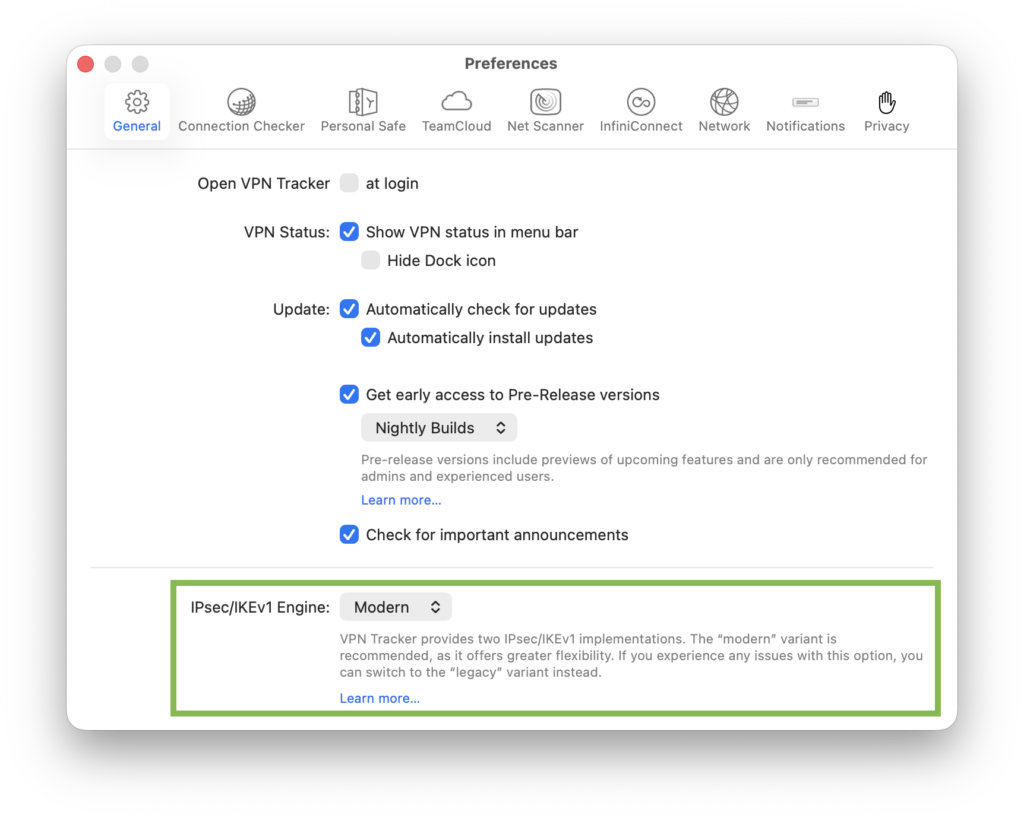
Switch between the modern and legacy engine in the app settings
h2>New: Seamless VPN Support for Virtual Machines
VPN Tracker 26.2 introduces a major workflow enhancement: VM Shared Usage. You no longer have to choose between your Mac and your VM. Now your virtual machines can "hitch a ride" on your Mac’s secure VPN connection.
How it works
While most VM providers work automatically, UTM handles networking slightly differently. We’ve added a dedicated optimization for UTM users on Apple Silicon to ensure a "just works" experience.
- Open VPN Tracker and go to Settings > General
- Enable Set NAT rules for UTM VM access
- VPN Tracker handles the rest. (The default network 192.168.64.0/24 works for almost everyone and doesn't need to be changed.)
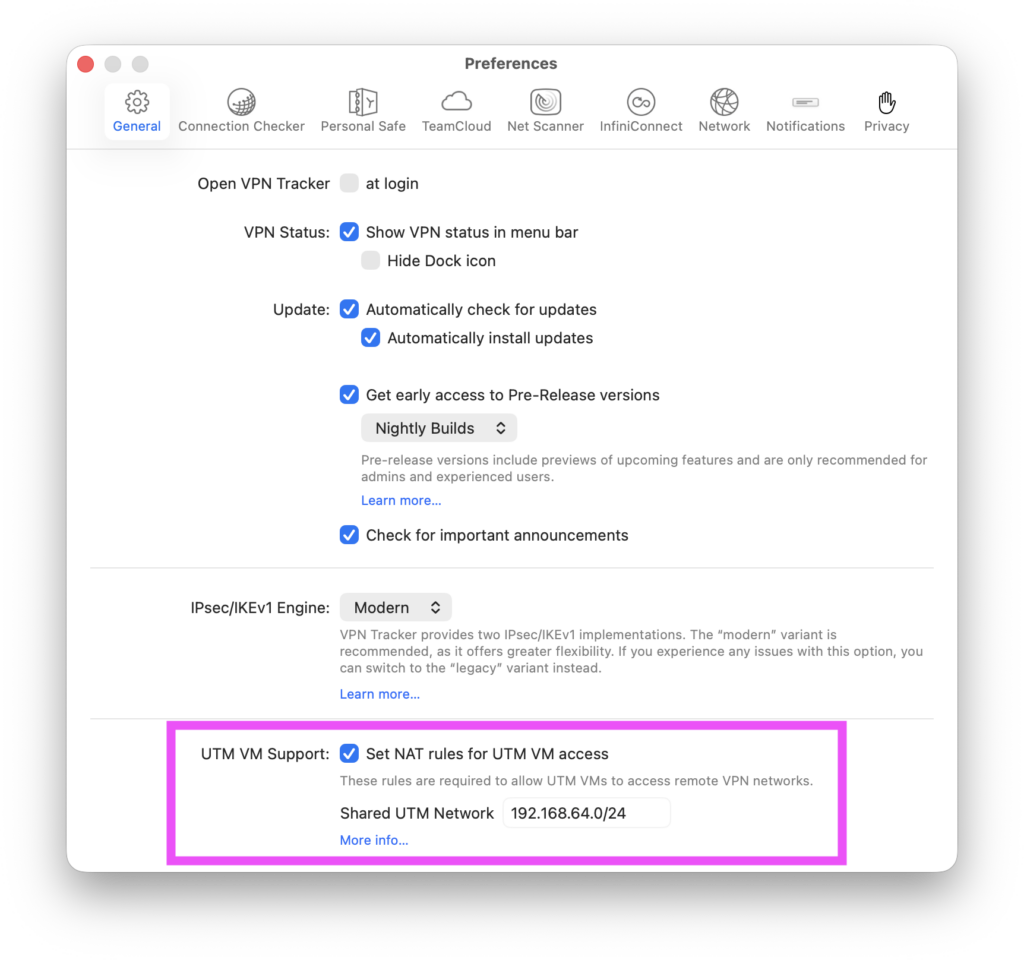
Activate the UTM support toggle in your VPN Tracker settings.
Important: Check the network settings in your VM. Shared Networking (or NAT) should be selected to be able to use VPN within the VM.
More information: Share Mac VPN with VM (UTM, VMware, VirtualBox) →
New: Pin Connections on Mac
You can now pin important VPN connections for quicker access. Even better, pinning status is shared with the iOS client, keeping your setup consistent across devices. Use the filtering tools to filter your list only by your pinned connections and connect faster:
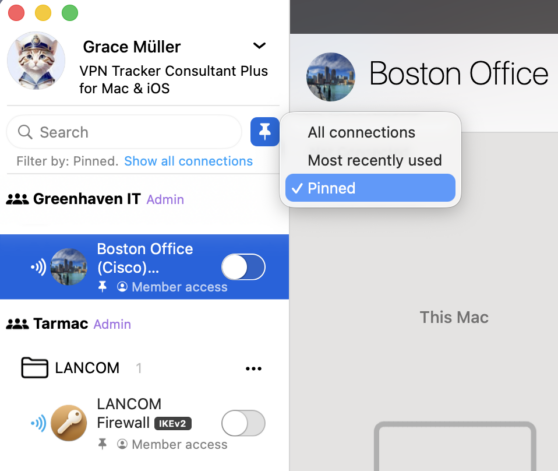
Filter by pinned connections
To pin a connection, right-click and select Pin Connection, or click the pin icon next to the connection name in the Status overview:
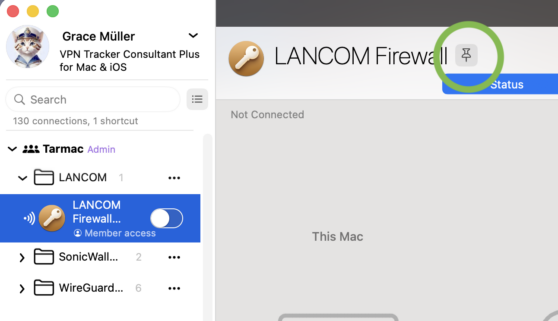
Use the pin icon to pin select connections
New: LANCOM Import & Expanded Device Support
LANCOM .ini support
The latest VPN Tracker version also introduces support for LANCOM .ini connection files, allowing you to skip the manual setup process and connect to your LANCOM VPN in minutes.

Drag the connection file onto the VPN Tracker icon to open the importer
Want to connect to your LANOCM router or firewall? Read the quick setup guide →
New profiles for manual setup
For those of you setting up your connection manually, VPN Tracker now includes more LANCOM devices in the device selection, including dedicated IKEv1 and IKEv2 profiles for the 1800, 1900, and 2100 Router Series, as well as Unified Firewalls.
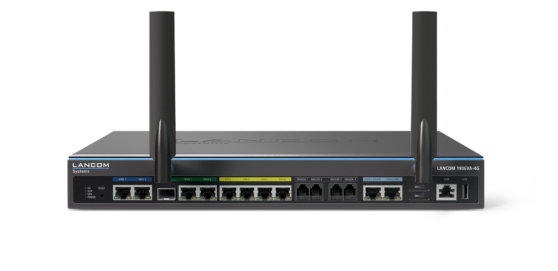
Set up a VPN connection to a LANCOM 1900 Series Router
These updates make onboarding and migration significantly easier for LANCOM environments.
New: Dedicated Profiles for VPN Devices
As well as improved support for LANCOM connections, VPN Tracker 26.2 also adds several new vendors and devices to the app:
BEC Technologies (OpenVPN, L2TP, PPTP)
We’ve added professional-grade support for BEC Technologies' industrial and 4G/5G LTE routers to ensure secure connectivity for remote sites.
View Configuration Guide →
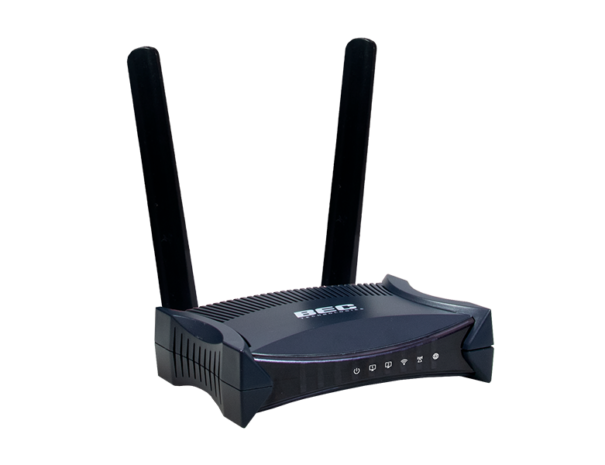
Connect to BEC Technologies MX-241NP Router
UGREEN NAS (OpenVPN, WireGuard)
VPN Tracker now supports UGREEN’s emerging line of networking hardware, making secure remote access simple for home office and small business setups.
View Configuration Guide →

Securely connect to your UGREEN NAS DXP4800 Plus in VPN Tracker
OPNSense (IKEv2, OpenVPN, WireGuard)
Experience reliable VPN access to your OPNsense open-source security platforms with our newly added dedicated integration.
NETGATE / pfSense (IKEv2, OpenVPN, WireGuard)
Seamlessly connect to your pfSense-based firewalls and Netgate appliances with optimized support for secure, high-performance tunnels.
View Configuration Guide →
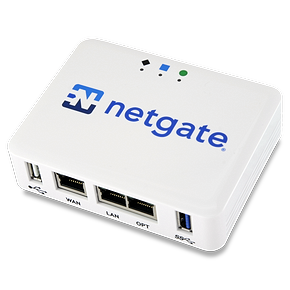
Connect to pfSense VPN on Mac – including Netgate 1100
Further Improvements in version 26.2
Expanded IKEv2 & IKEv1 Authentication
- Support for IKEv2 user authentication using certificates (EAP-TLS)
- Support for IKEv2 pre-shared key (PSK) connections with EAP-based user authentication
- Improved stability for IKEv1 Phase 1 rekeying and better long-term rekeying stability for IKEv2
- IKE and IKEv2 rekeying times are now randomized to prevent rekeying conflicts
- Enhanced detection and reporting of IKEv1 NAT issues
- The IKEv2 automatic configuration setting is now honored, regardless of previous manual configuration
- Reduced DPD logging for the new IKEv1 engine to keep logs cleaner
- IKEv1 no longer drops connections if a delete payload is received for an expired session
OpenVPN & L2TP Improvements
- Fixed OpenVPN connection drops by ensuring keep-alive pings are sent correctly
- OpenVPN now reports the correct error when a tunnel disconnects due to idling
- Correct fallback is used when an OpenVPN configuration is missing a key direction
- Improved stability for TCP-based VPN connections
- L2TP connections can now configure IKE lifetimes
- Fixed an issue that prevented L2TP connections from starting
Stability & Network Reliability
- IKEv1, IKEv2, and OpenVPN connections no longer hang when stopping immediately after a network interface switch
- Connections can now be reliably stopped following a network change
- Improved detection of network address conflicts with a reliable reset of applied resolutions
- Traffic statistics are now always correctly reset when restarting a connection
- Automatic DH group fallback for AVM FRITZ!Box IPsec connections
- SonicWall SCP negotiation now avoids packet fragmentation and provides more detailed diagnostics in the new IKEv1 engine
- Fixed a hanging Connection Checker test that prevented certain IKEv1 connections from starting
Cloud & App Enhancements
- Cloud re-authentication with OTP no longer sporadically fails
- Services in the Network Scanner are now properly named again
- The next cloud sync time is now always reported correctly
- The sort order of local groups no longer changes on app start
- Release notes now automatically scroll to the relevant version for better navigation
macOS Enhancements
- Dark Dock icon support on macOS 26 Tahoe

About the latest VPN Tracker version
This release focuses on making VPN Tracker more stable, more transparent in its diagnostics, and easier to manage in real-world environments. With the new IKEv1 engine, connection pinning, and LANCOM import support, you get meaningful improvements without changing how you work.
As always, we recommend testing the new IKEv1 engine in your environment and sharing feedback with us.
How to update
This is a free update for all existing VPN Tracker users.For Mac users: To update to VPN Tracker version 26.2, go to VPN Tracker > Check for updates:
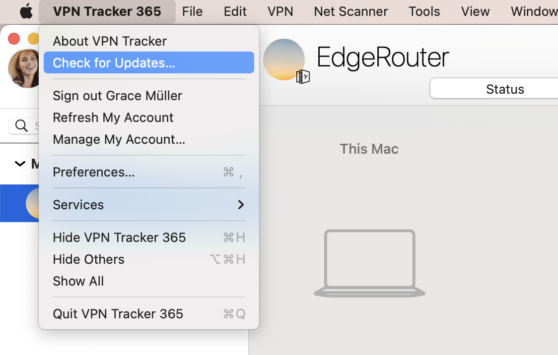
Alternatively, you can download the latest version here.
For iOS users: The update will be rolling out over the next few days. Get the latest version from the App Store.